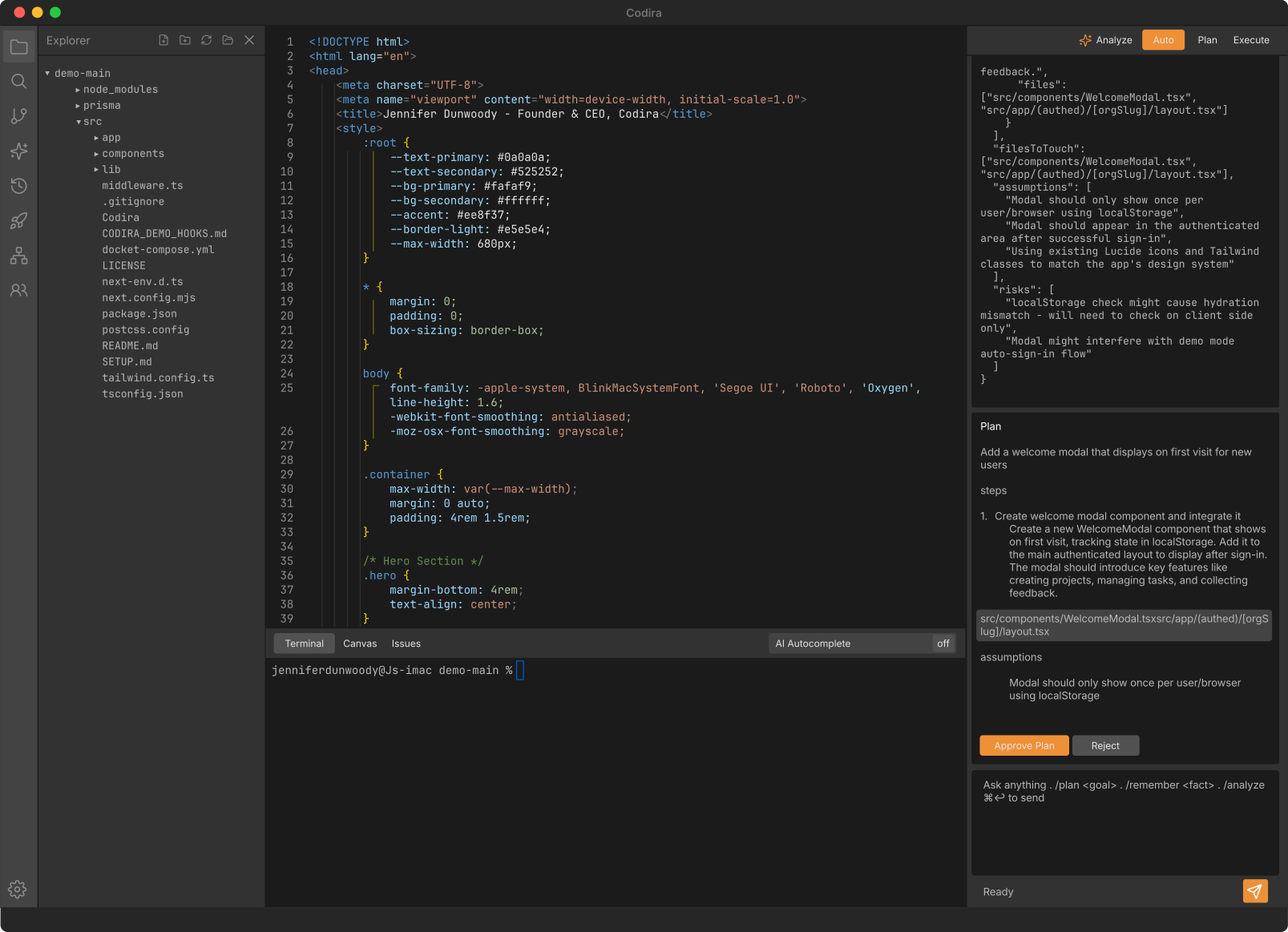
Seven tools in one application.
Native macOS IDE — ⌘P palette, gutter blame, regex find-and-replace, codebase-wide rename.
Ten specialized ai agents: Planner, Implementer, Reviewer, Security, QA, Auditor, Verifier, Explainer, Debugger, UX Reviewer.
Six deterministic LLM-free checks. Hallucinated imports, dropped exports, placeholder stubs caught before apply.
Multi-provider routing across Claude, OpenAI, DeepSeek, local, enterprise private. BYO key bypasses the meter.
Visual schema canvas. Pick a format — Prisma, Drizzle, SQL, TypeScript, Markdown — and it generates the file.
UAT auto-fires after every /plan and /fix apply. Tests the change against the running app, not just the diff.
Team conventions written down once. Layered into every agent's prompt on every engineer's machine.
Ten specialized agents.
One engineer verified change.
Every change inside Codira moves through a structured pipeline of ten specialized ai agents — each with a single, well-defined role — designed to ensure higher quality, stronger security, and greater reliability before a single line of code is executed.
Plans are expanded, code is written, reviewed, security-checked, tested, audited, runtime-verified, design-reviewed, explained, and debugged — all transparently, with the final decision always remaining in the hands of the human engineer.
One decision. Ten signals.
Before you apply a change, Codira gives you a clear recommendation.
Green means ready. Yellow means apply with care. Red means stop and review.
The Apply Decision Pill combines agent verdicts and deterministic patch guards into one simple signal — so every ai-generated change has a visible, reviewable audit trail.
- Reviewer approved
- Security clean
- QA satisfied
- UAT pass · 4/4 steps
- Reviewer approved
- Security raised 2 medium concerns
- QA proposed 3 tests
- Regen guard: 38% rewrite
- Reviewer requested changes
- Security: 1 critical finding
- Deletion guard: 3 unjustified removals
- UAT failed (2/4 steps)
Apply is never forced.
Codira recommends. You decide.
Built to catch what ai gets wrong.
Codira does not rely only on another ai model to judge ai output.
Every patch runs through six deterministic guards designed to catch the failure modes that break developer trust — every time, with zero model variance.
Deletion Guard
Catches code removed without permission.
Grounding Guard
Catches references to files, symbols, or functions that do not exist.
Regen Guard
Catches unnecessary rewrites and excessive blast radius.
Stub Guard
Catches TODO placeholders, Not Implemented, and other unfinished implementations dressed up as real code.
Preservation Guard
Catches edits that quietly drop pre-existing behavior the change wasn't supposed to touch.
UI-lint Guard
Catches design-system violations in UI changes — off-palette colors, drop shadows, non-conforming corner radii — before apply.
ai moves fast.
Codira keeps it accountable.
The ai sees what your users see.
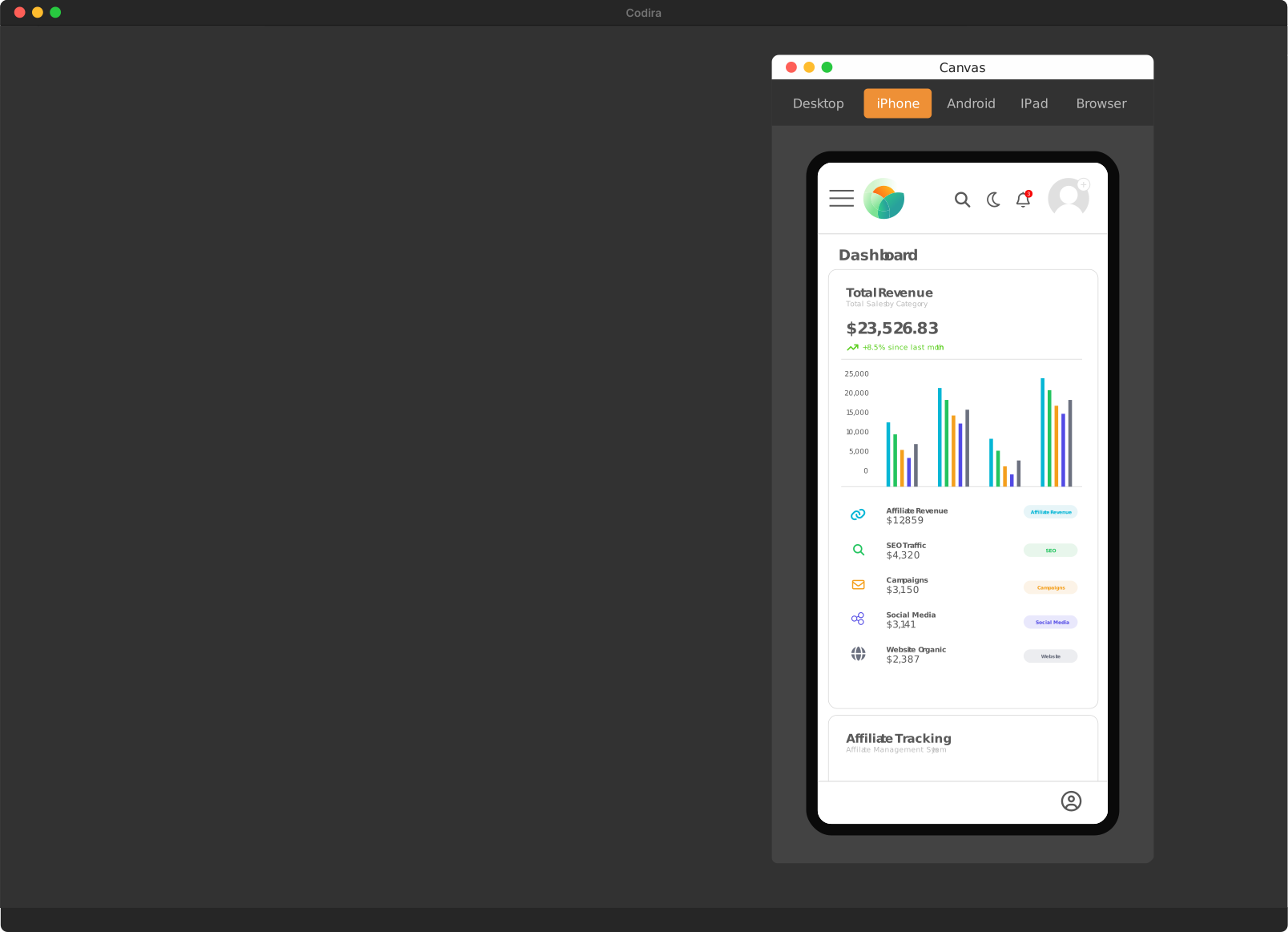
Codira runs your application inside the canvas.
Open the preview. Click any rendered element. Ask for a change.
Watch the request move through the same agent pipeline.
The UAT agent can verify that the app still renders, the workflow still works, and the change actually behaves the way it should.
Codira does not stop at code generation.
It closes the loop between intent, code, and runtime.
Edit your app by hand. Codira writes the code.
Open the live preview and click any element — a heading, a button, a card. Change its text, color, size, or spacing with direct controls and watch the preview update as you type.
When it looks right, Codira saves the edit to your real source file. No sandbox. No re-prompting the ai to nudge a value. Your actual code, changed the way you’d change it by hand.
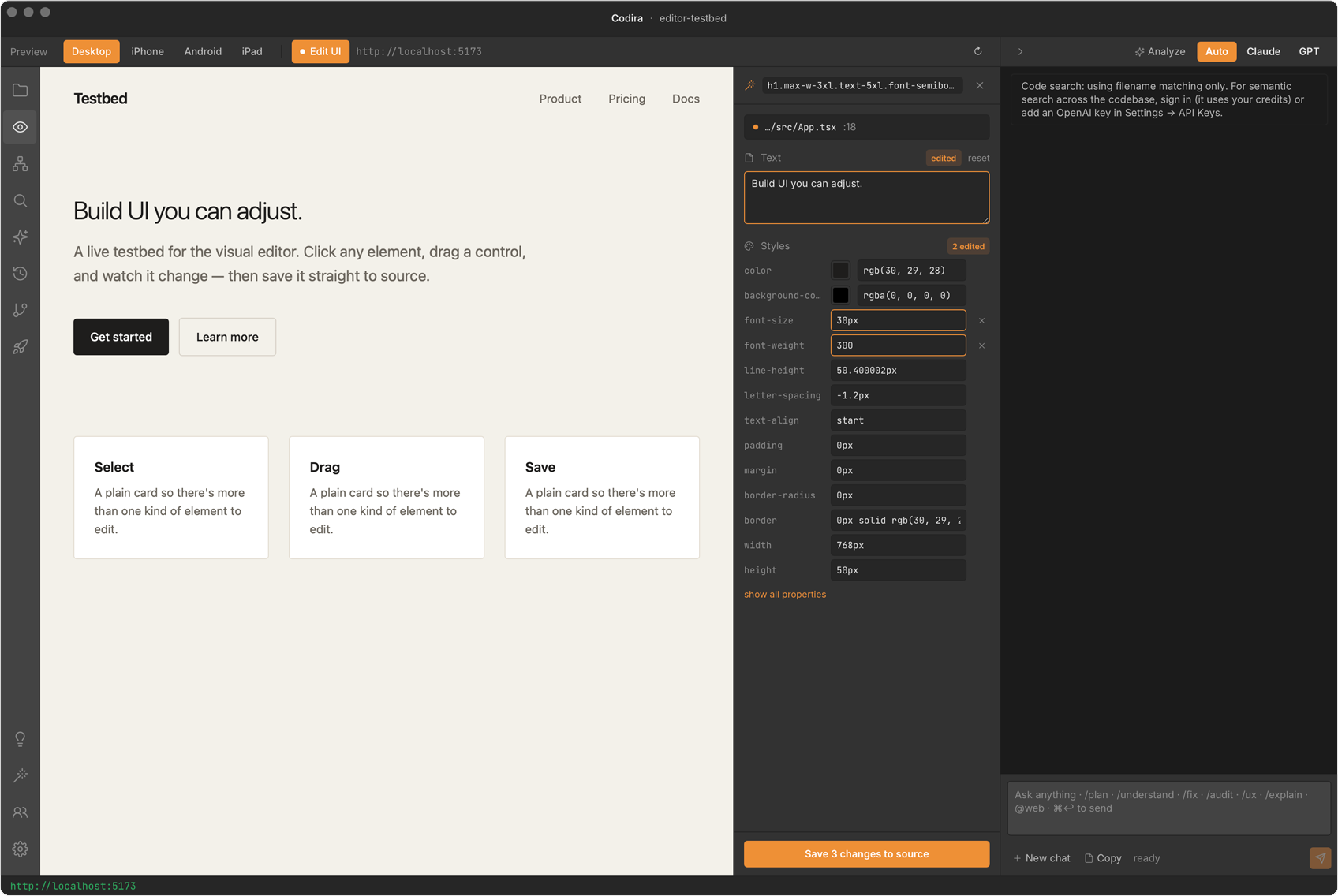
Click, then edit
Select a rendered element and adjust its text and styles with direct controls — live feedback in the running preview as you go. Direct manipulation, not a prompt you hope lands.
Writes to your source
Save commits the change to the real file on disk — reviewable in git like any other edit, not trapped inside a tool you can't leave.
Any framework, no setup
Runs against your real app — Vite + React, Next.js, or plain HTML — with nothing to install per project. On Vite + React it maps the click to the exact source line; elsewhere it finds the element by its text and classes.
Other tools make you re-prompt to change a color.
Codira lets you just change it.
Use the right model for the right job.
Codira supports multiple ai providers and lets you route work by provider, agent, or individual run.
Use one model for planning. Another for implementation. Another for review.
Bring your own API keys or use Codira’s hosted gateway.





No lock-in. No forced provider. No one-model bottleneck.
Your ai stack should work the way your engineering team works.
Codira works with the languages, frameworks, and tools you already use.
Your planning agent reads your schema. Your engineering partner writes your framework's code. The deploy pipeline ships to your cloud. No migration. No lock-in.
Languages + ORMs




Frameworks + database





Deploy + editor compat








Built For Your Stack
Software that learns how your team works.
Generic ai writes code that works. Codira writes code that fits.
Three layers of style context feed every one of the ten agents on every call — automatic, team, and personal — so the ai sounds like the team that wrote the rest of your codebase.
Codebase Baseline
Codira scans your repo and learns what your code already looks like — naming, imports, error shapes, file size. No setup. Refreshes on a 30s cooldown as the code changes.
Team Standards
A versioned .codira/standards.md you commit to the repo. Every teammate's IDE reads the same file, so the whole team's agents follow the same playbook.
Personal Overlay
Five knobs each engineer dials for their own taste — comment density, naming preference, brevity, test framework hint, doc style. Stays on your machine.
Run /standards once.
From then on, every agent writes code the way your team does.
Design your stack. Visually.
Architect is Codira’s visual canvas for composing your project’s architecture from a curated palette of frameworks, databases, ORMs, auth, payments, hosting, and observability.
Drag a tile. Drop it on the canvas. Repeat. You build the architecture the same way you’d sketch it on a whiteboard — except this one is the source of truth every agent reads.
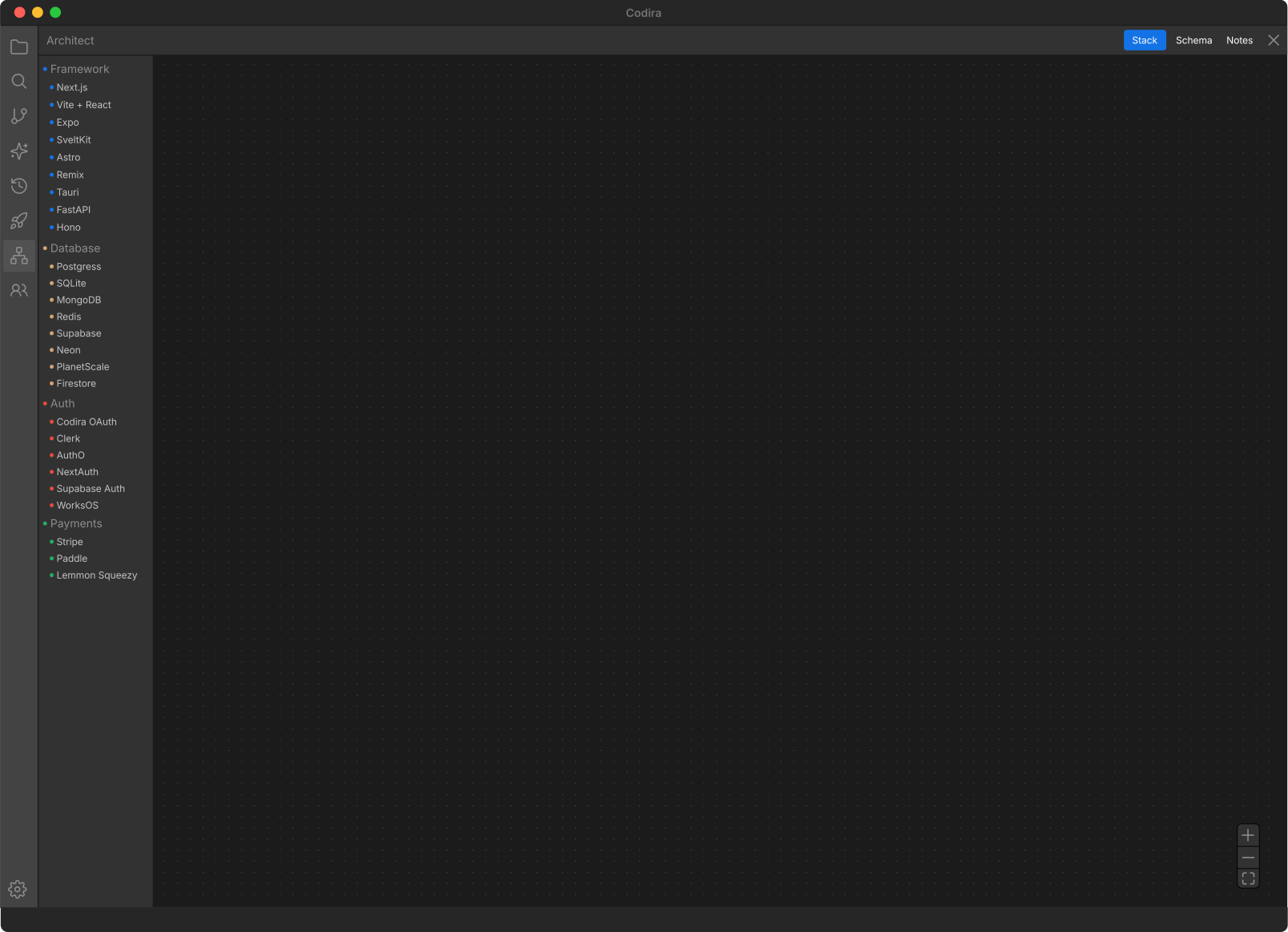
Your codebase has rules.
Now your ai does too.
Every ai change becomes a checkpoint.
Codira creates a git-backed checkpoint every time a patch is applied.
Browse your ai change history. See what changed. Revert with one click.
When someone asks, “What did the ai change yesterday?” Codira has the answer.
This is how ai development becomes auditable.
The chrome you’d want even without the agents.
The agent pipeline is the headline. The editor underneath has to feel right on day one.
Keyboard-first. Fast. Familiar. Codira ships the IDE muscle-memory you already have.
An ai IDE without a real editor is a demo with a text box.
Codira reads your project before you ask it to.
A planner is only as good as its context. Codira gathers that context for you — automatically, on open, and continuously as the workspace changes.
Schema. Dependencies. Fresh web facts. All in the planner’s prompt before it starts thinking.
Schema auto-load
Open a Prisma, Drizzle, SQLAlchemy, or Django project — Codira parses the source and populates the Architect schema canvas before you type a single message.
Drift detection
Schema and manifest changes fire a non-blocking toast surfacing the diff. New tables and new dependencies never slip past unnoticed.
@web in chat
Type @web <query> to fold fresh web results into the planner's context. No silent tool-calls — you see what was searched and what was found.
Most ai tools wait for you to paste in context.
Codira already has it.
Design your data model. Visually.
The Schema Designer is Codira’s visual canvas for composing your application’s data model — tables, fields, types, relationships, indexes — without leaving the IDE.
Drag an entity. Drop it on the canvas. Wire it up. The same source of truth every agent reads when planning database changes, writing queries, or reviewing migrations.
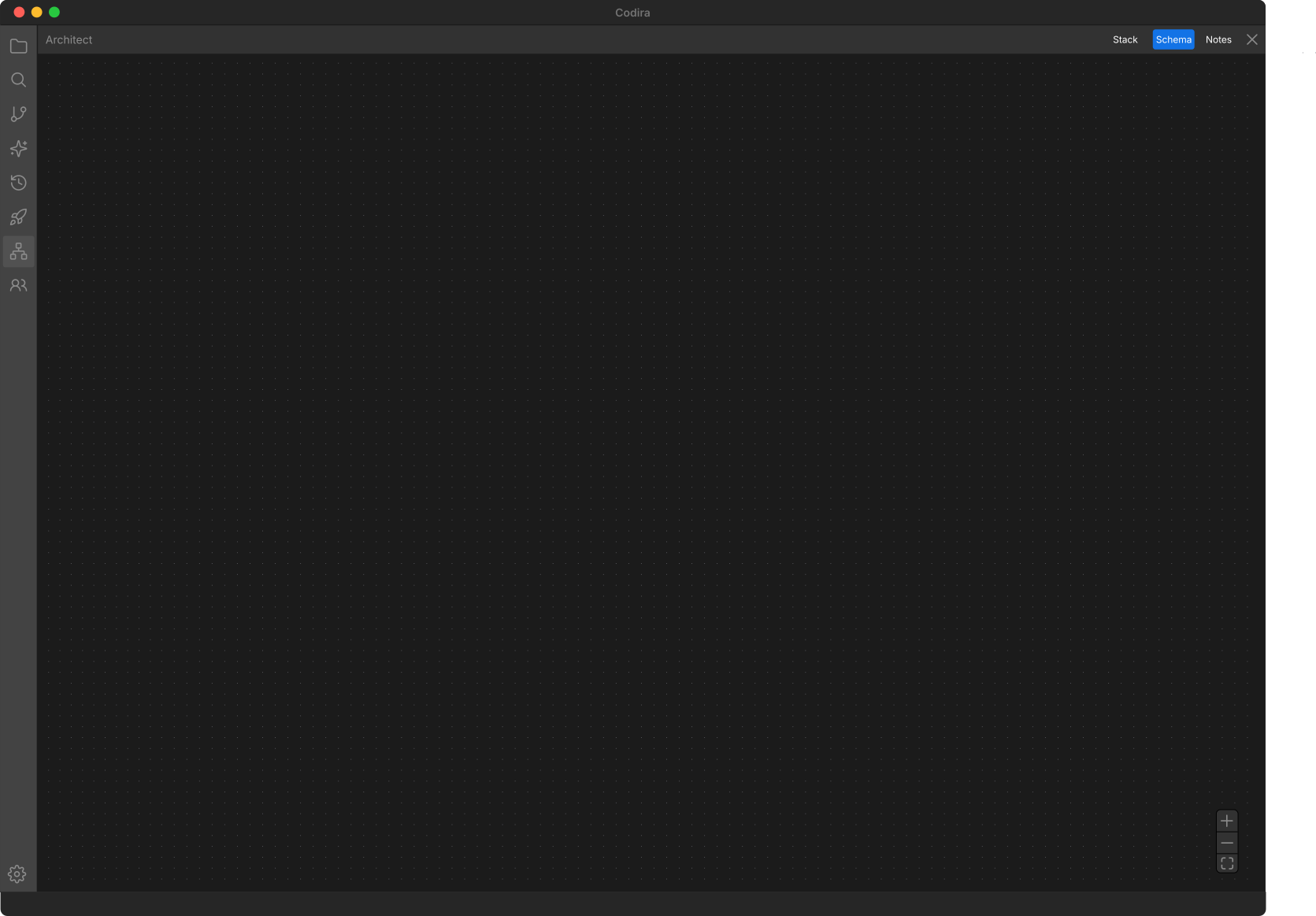
Database design used to be a separate tool.
In Codira, it’s part of the architecture.
Settings that travel with the repo.
The same agent pipeline runs on every laptop and in every CI run,
and no one has to remember to flip a switch.
Routing pinned per project. Secrets in the Keychain. Nothing sensitive in git.
Per-project settings
Commit .codira/settings.json to your repo. Per-project model picks and per-slot agent routing — every teammate's IDE (and CI) runs the same config.
Secrets in the Keychain
Per-workspace environment variables live in the macOS Keychain, never in settings.json. Materialized to .env.local on save with the .gitignore guard set automatically.
OAuth tokens, secured
Refresh tokens migrated out of settings.json into the Keychain. Existing installs auto-migrate silently on first launch.
What your team standardizes on should not be a Wiki page.
Governance without slowing engineers down.
Codira was built for teams that need speed and control.
Every change is reviewable. Every patch is explainable. Every agent has a role. Every action can be audited.
Codira gives enterprises ai leverage without sacrificing quality, security, or oversight.
Start free on Hobby. Scale when you're ready.
- No credit card required
- Limited agent requests
- Limited inline (tab) completions
- Base models
- 4,000 credits / mo
- Frontier models
- The 10 verified agents — plan → implement → review → security → QA
- Genesis, Sidekick & the live Canvas preview
- 8,000 credits / mo / seat
- Centralized team billing and administration
- Shared team memory + agent presets
- Usage analytics to understand team behavior
- Pooled usage to maximize budget efficiency
- Invoice / PO billing
- SCIM seat management
- Repository, model, and MCP access controls
Stop using ai like autocomplete.
Start using it like an engineering team.
Codira gives professional engineers a structured, auditable, runtime-aware ai development environment — built to ship real software.
One engineer. Ten agents. Infinite scale.
 Download for macOS
 Download for Windows
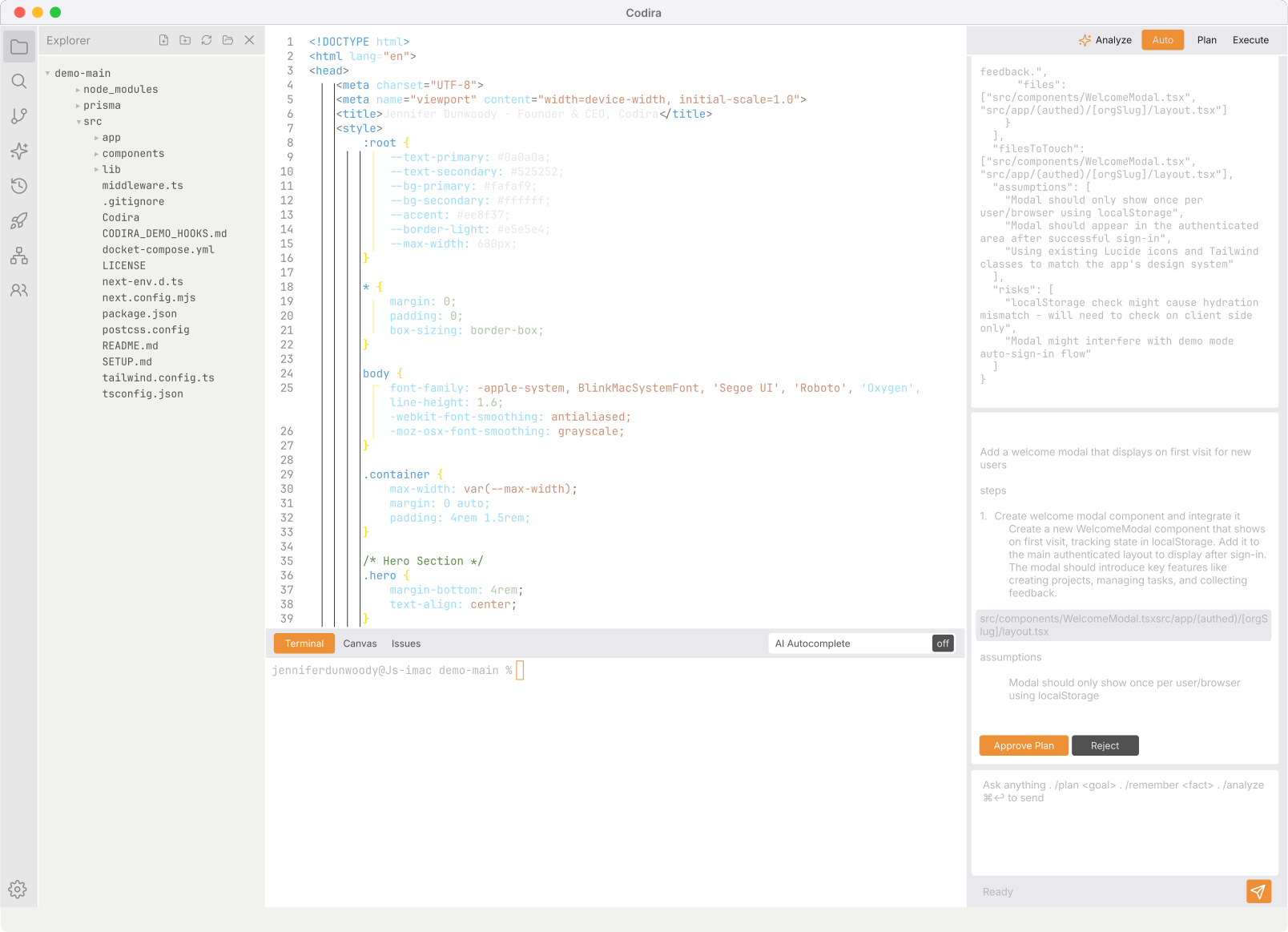
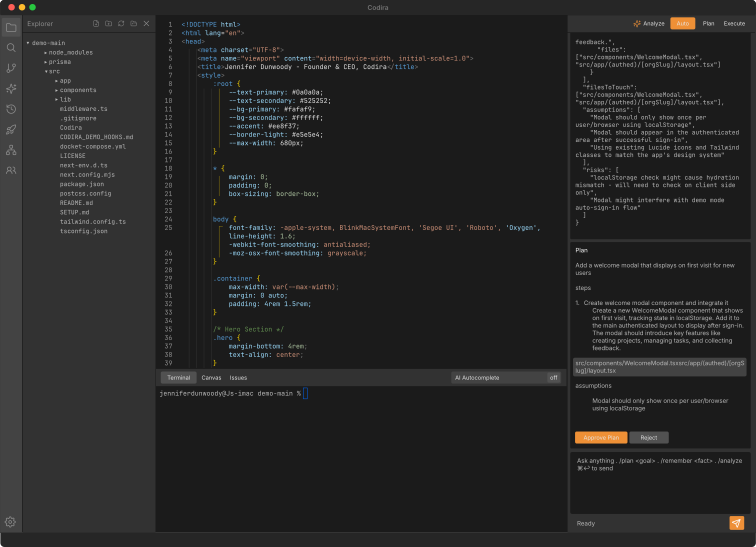
Light mode or dark. Your call.
Every surface in Codira ships in both. Drag to compare.